

Instagram has officially launched “Instants,” a feature designed for sharing spontaneous, disappearing photos. While Meta positions this as a way to capture authentic moments, the feature’s aggressive auto-send design has triggered widespread user confusion. Many individuals have accidentally shared images with their entire “Friends” list due to the app’s unintuitive interface.
The Hidden Risks of the Instants Feature
Upon accessing the Instants section—located via the mini photo stack icon in the bottom-right of your inbox—the app provides a brief tutorial. It highlights that content disappears and reactions remain private. However, the critical flaw lies in the camera interface: by default, the shutter button is set to broadcast to your entire “Friends” list immediately upon capture, unless you manually toggle the setting to “Close Friends” beforehand.
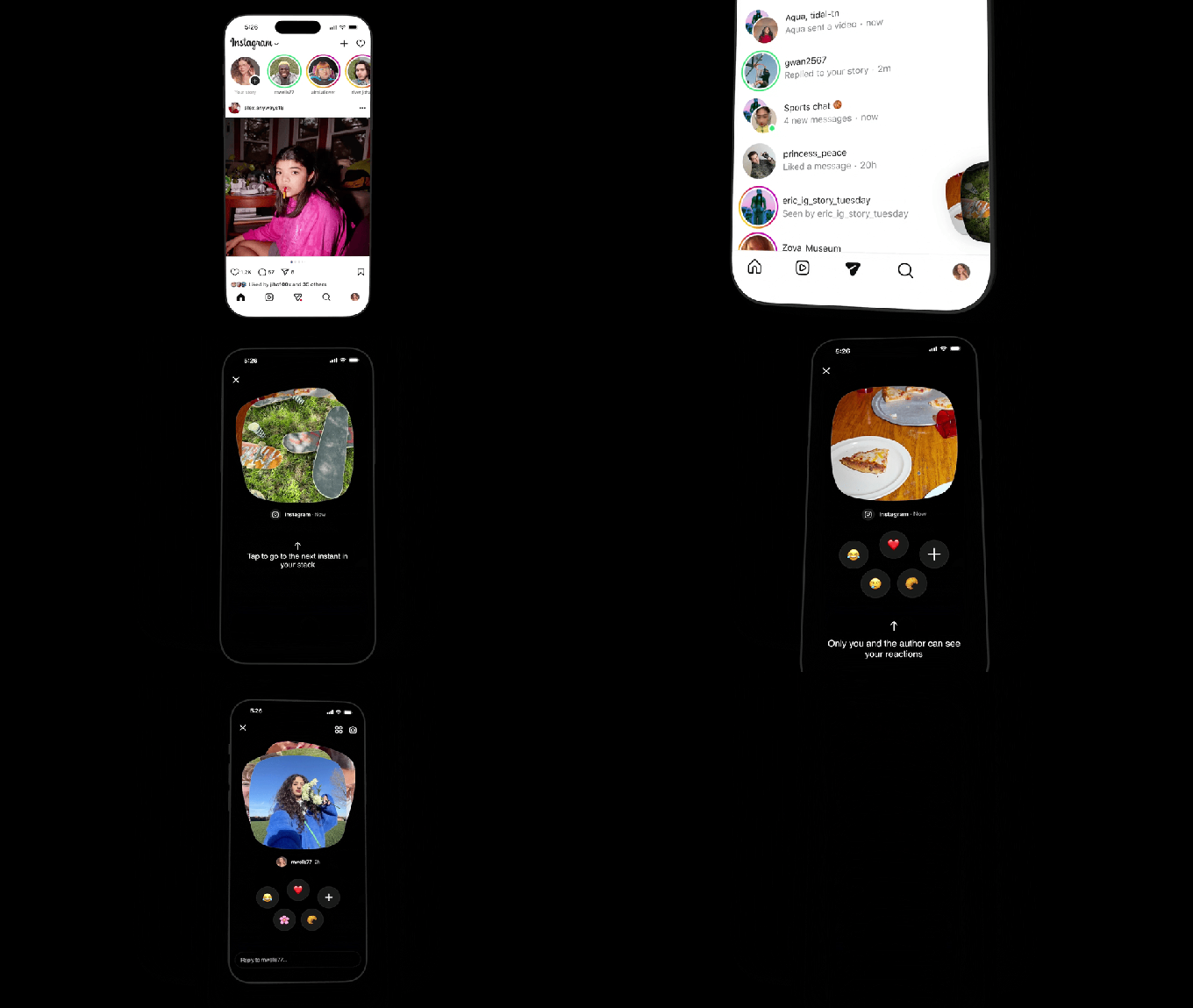
Because the app lacks a final confirmation step, many users have inadvertently shared content they intended to keep private. In an ecosystem where users typically curate their posts, this “instant-send” mechanic has led to significant privacy concerns and frustration across the platform, as noted by users on various community forums.
How to Disable Instants
If you prefer to remove this feature from your workflow, you can disable it entirely through your account settings:
- Navigate to your Profile.
- Tap the three-line menu in the top right corner.
- Select Content Preferences.
- Toggle the switch for Hide Instants in Inbox.
Once enabled, the feature will vanish from your inbox, and you will stop receiving incoming Instants from others. If you prefer a less permanent solution, you can simply hold down the Instants stack in your inbox and swipe right to temporarily mute notifications and updates.
How to Retract an Accidental Share
If you have already sent a photo by mistake, you can still mitigate the damage:
Immediately after capture, an “Undo” button appears directly beneath the shutter. Selecting this will retract the photo before the recipient has a chance to view it. Alternatively, you can access your archive by tapping the four-box icon in the top right of the camera interface. Deleting an Instant from your archive effectively unsends it, provided the recipient has not already opened the message.