
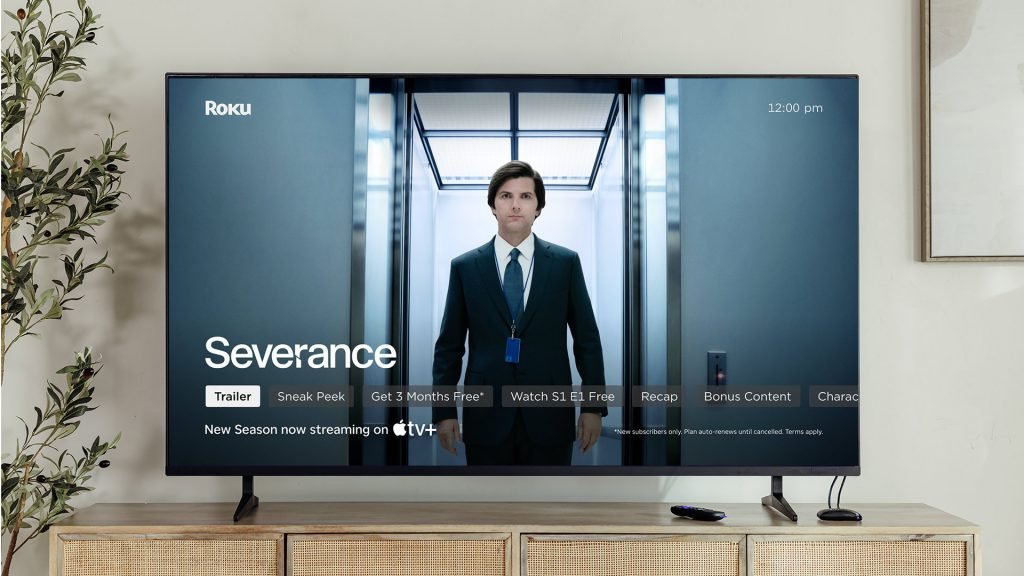
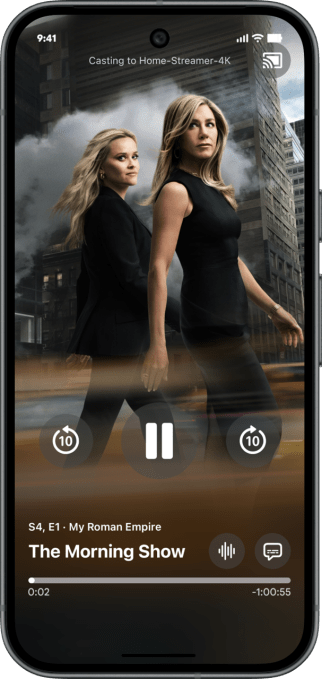
Apple has officially expanded the functionality of its Apple TV app for Android, introducing native support for Google Cast. Announced this Monday, the update allows users to stream video and audio content directly from Android devices to compatible smart TVs, significantly improving the cross-platform experience for non-Apple users.
Strategic Timing Amid Streaming Industry Shifts
This integration arrives during a period of intense market consolidation. As major players restructure, with Disney preparing to fully integrate Hulu into its primary streaming platform and rumors of potential mergers involving Warner Bros. Discovery, Paramount, and Netflix, Apple is positioning its service to remain highly accessible and competitive.
The move also serves as a strategic counterpoint to Netflix, which recently abandoned Google Cast support within its mobile application. The decision sparked widespread frustration among subscribers, and by adopting the feature now, Apple may effectively capture audience segments looking for more flexible streaming alternatives.
Content Ecosystem and User Accessibility
While Apple TV maintains a more curated content library compared to its competitors, it continues to anchor its service with high-profile original programming. Key titles currently driving engagement include Severance, Pluribus, The Studio, The Morning Show, and Slow Horses, alongside the recent blockbuster F1.
Beyond entertainment, Apple has aggressively pursued a live sports strategy. The platform currently broadcasts Friday Night Baseball doubleheaders, Major League Soccer matches, and provides coverage for Formula 1 races in the U.S. market.
How to Use Google Cast on Apple TV
To leverage this new functionality, users must ensure they have the latest version of the Apple TV app installed via the Google Play Store. The feature is compatible with Android smartphones, tablets, and foldable devices. Once updated, users simply need to tap the Cast icon located in the top-right corner of the interface to initiate streaming to their preferred display.