
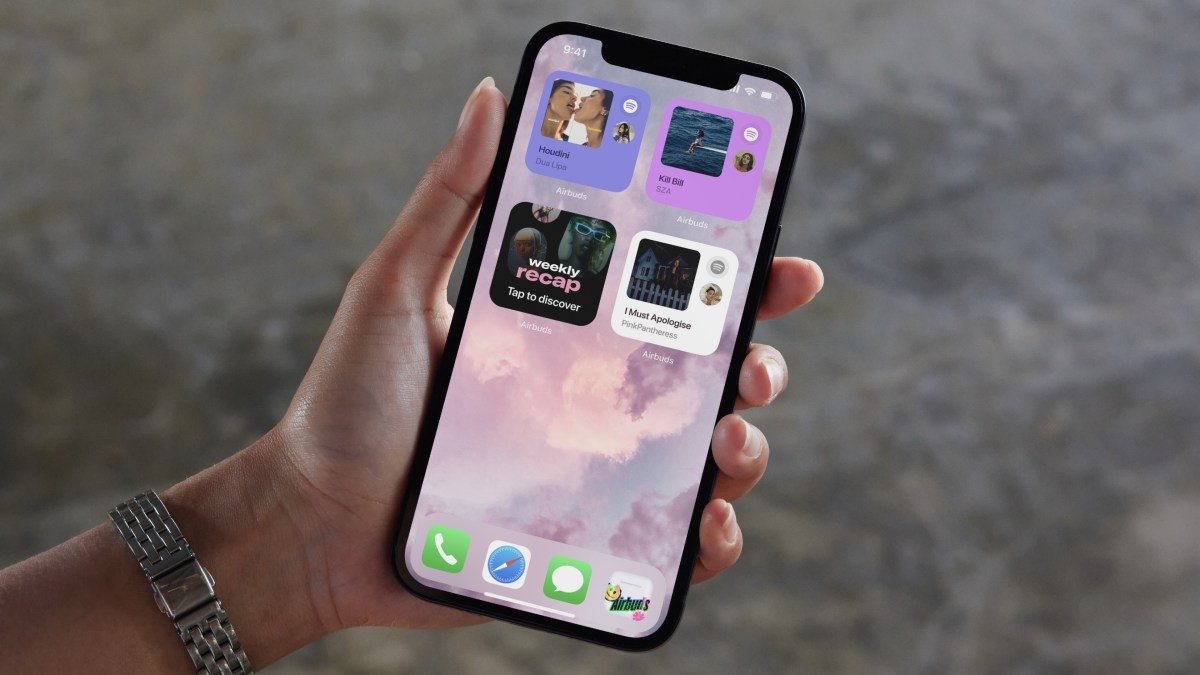
Apple has officially released the iOS 26.1 update, now available for all eligible devices. While the patch focuses on refinements rather than major feature overhauls, it introduces a highly requested control: the ability to manually adjust the transparency of the “liquid glass” design interface.
Customizing the Liquid Glass Aesthetic
Since the introduction of the liquid glass design in iOS 26—the company’s most significant visual shift since the 2013 transition to flat design—user feedback has been polarized. Some users praised the modern aesthetic, while others found the translucency hindered the legibility of notifications and navigation controls.
Previously, the only way to mitigate the transparency was through accessibility settings, which effectively disabled the effect entirely. With iOS 26.1, Apple provides a balanced middle ground.
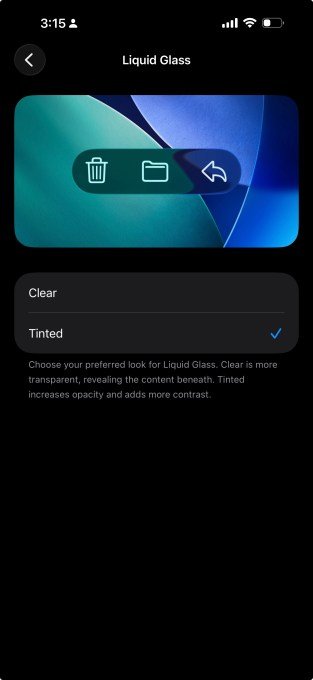
To adjust these settings, navigate to Settings > Display & Brightness > Liquid Glass. Users can now toggle between the original “Clear” look or a more opaque “Tinted” option, with a live preview available to test the effect before applying.
New Gestures and Enhanced Functionality
Beyond visual tweaks, iOS 26.1 introduces practical workflow improvements:
- Lock Screen Camera: A new gesture allows users to launch the camera app by swiping left on the lock screen. Configure this in Settings > Camera > Lock Screen Swipe to Open Camera.
- Local Call Recording: Users can now locally capture audio and video during video calls—a feature previously teased for iPadOS at WWDC.
- Apple Music Gestures: New intuitive gestures have been added to facilitate easier song navigation.
- Alarm Interface: Apple has replaced the alarm button with a slider, preventing accidental dismissals.
Expanded Language Support and Security
Apple Intelligence receives a significant boost in this update, expanding support to eight additional languages: Chinese (Traditional), Danish, Dutch, Norwegian, Swedish, Portuguese (Portugal), Vietnamese, and Turkish. Furthermore, live translation capabilities have been added for Chinese (Simplified), Chinese (Traditional), Italian, Japanese, and Korean.
Security remains a priority, with the update including an option to automatically install critical security patches. To install the update, navigate to Settings > General > Software Update.