
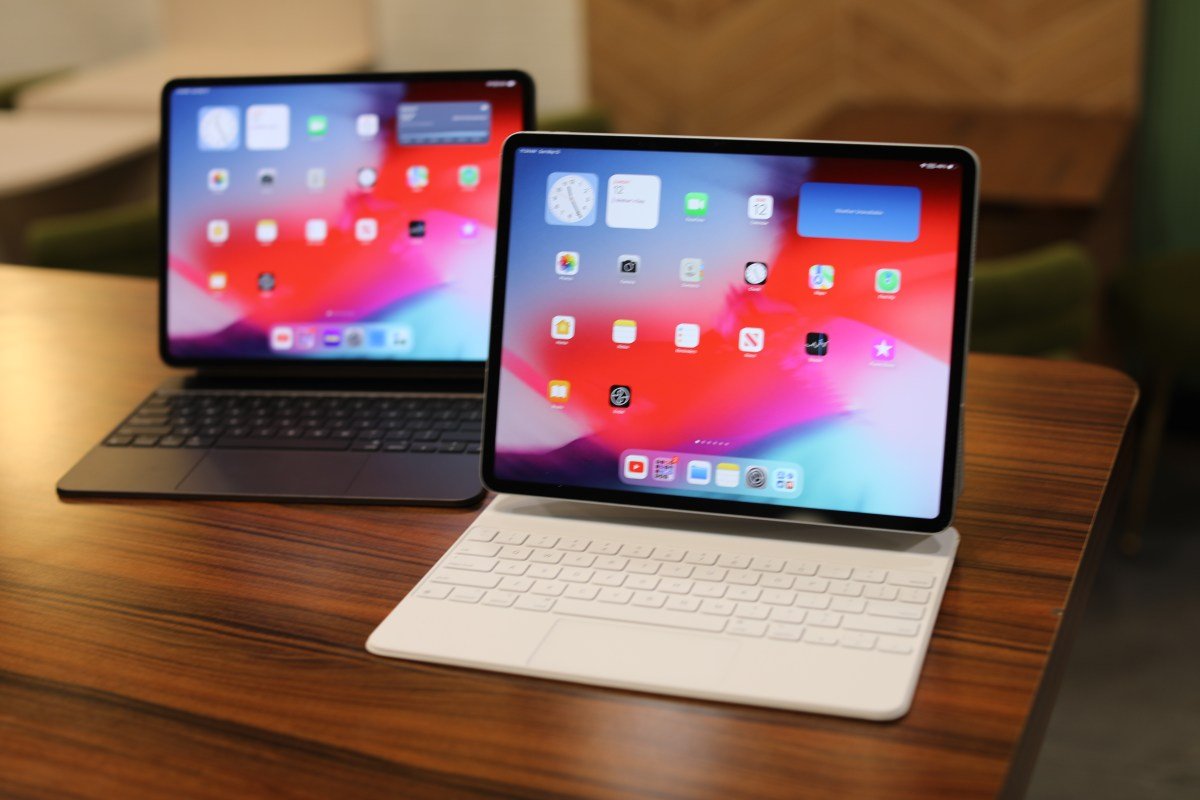
Apple has officially unveiled iPadOS 26 at WWDC 2025, marking what the company calls its most significant update in the product’s 15-year history. Moving beyond its legacy as an “oversized iPhone,” the new operating system introduces a robust suite of multitasking tools and windowing systems designed to transform the iPad into a legitimate workstation.
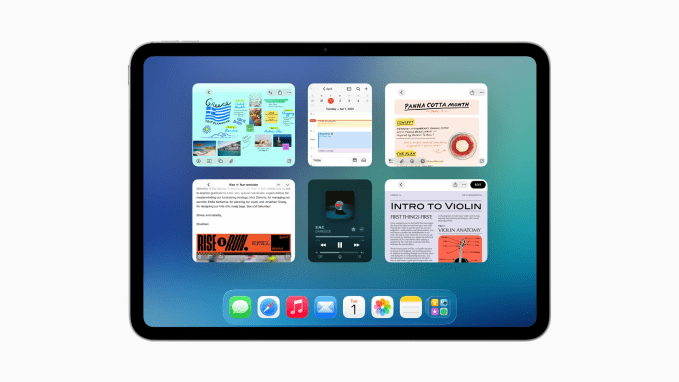
Redefining Multitasking and Window Management
For years, the iPad’s inability to handle complex workflows has been a primary pain point for power users. Currently, users are restricted to two windows, forcing a constant, clunky toggle between apps. iPadOS 26 addresses this by allowing users to view all open windows simultaneously and tile them intuitively.
These controls are fully integrated with Stage Manager, enabling users to organize workspaces into specific environments. To accommodate this shift, Apple is phasing out the older Split View and Slide Over multitasking features, signaling a move toward a more desktop-like windowing paradigm.
Native Productivity Tools
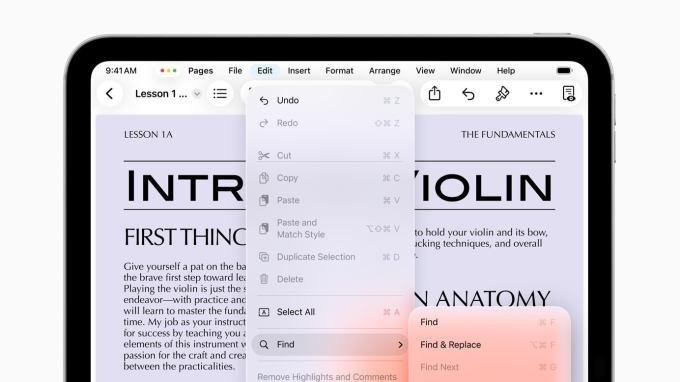
The update brings the dedicated Preview app to the iPad, offering native PDF editing, AutoFill capabilities, and seamless Apple Pencil support. Furthermore, apps now feature a Mac-style menu bar, providing quicker access to commands and allowing developers to customize the interface for their specific applications.
Power-User Performance for Creators
Beyond interface tweaks, iPadOS 26 leverages Apple’s silicon to handle high-intensity background processing. Users can now export video or run demanding tasks while continuing to work in other apps—a massive improvement for multimedia professionals.
Specific enhancements for content creators include:
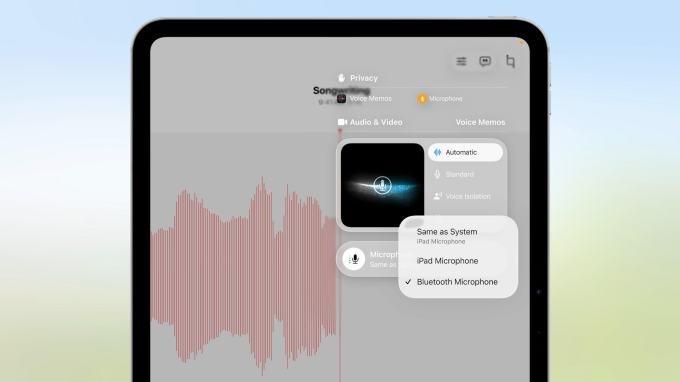
- Granular Audio Control: Users can assign specific audio inputs for individual apps or websites.
- Local Capture: The ability to record video calls natively from any conferencing app, with direct access to the resulting audio and video files.
- Folder Pinning: Users can now pin folders directly to the dock, bypassing the limitations of the traditional Files app.
For professionals who travel frequently, the transition from a heavy, high-end laptop to a streamlined iPad setup is now more viable than ever. By bridging the gap between portability and professional-grade utility, iPadOS 26 positions the tablet as a primary device for those who require high performance on the move.