
The iPad has evolved from a basic media consumption device into a powerhouse for digital artistry and professional production. Whether you are looking to master digital illustration, edit high-end video, or simply find a new outlet for your imagination, the App Store is packed with hidden gems that go beyond the standard Adobe suite.
We have curated a selection of the best creative applications for iPad that offer unique workflows and powerful features to help you unlock your potential.
Lake: Digital Coloring for Mindfulness
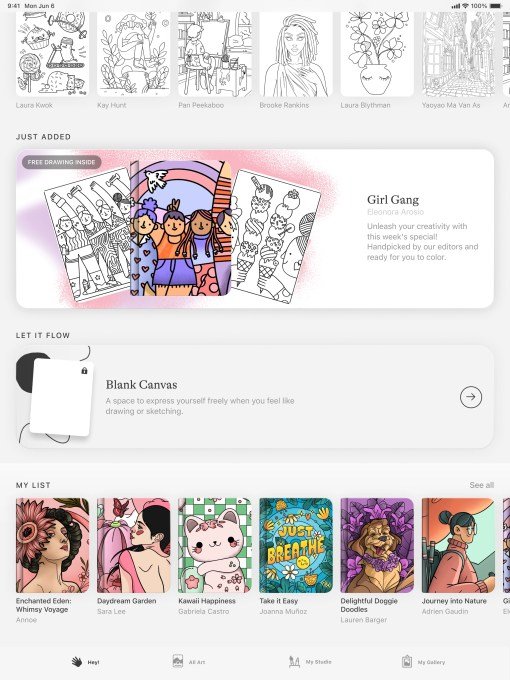
Lake offers a meditative approach to creativity. Instead of staring at a blank canvas, you can color hand-drawn illustrations from independent artists using over 700 colors and a variety of brushes. Beyond coloring, the app serves as a digital journal, making it an excellent tool for de-stressing. While limited features are free, the full catalogue requires a $9.99 monthly subscription.
Procreate: The Gold Standard for Artists
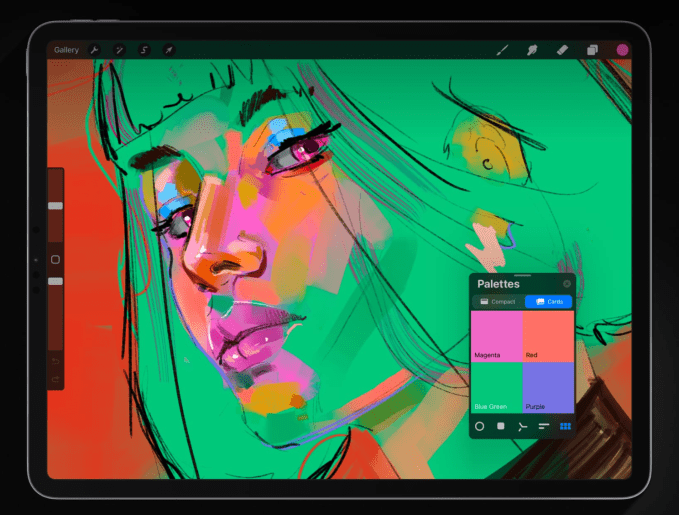
Procreate remains the premier choice for digital painters. It supports high-resolution canvases up to 16K by 8K and includes advanced tools like QuickShape and ColorDrop. It is also highly capable for animation, allowing you to export GIFs and storyboards. One of its most engaging features is the time-lapse “Replay,” which lets you share your creative process. It is available for a one-time purchase of $12.99.
LumaFusion: Professional-Grade Video Editing
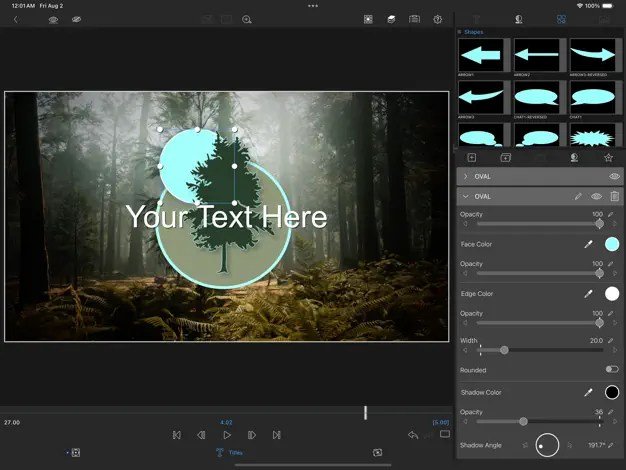
For those moving beyond basic editing, LumaFusion provides a robust multitrack editing environment. Supporting 4K ProRes and HDR media, it allows for professional voice-over recording, audio fine-tuning, and multi-aspect ratio projects. The app is a one-time purchase of $29.99, with optional add-ons for multicam support and Final Cut Pro integration.
Canva: Design Made Simple
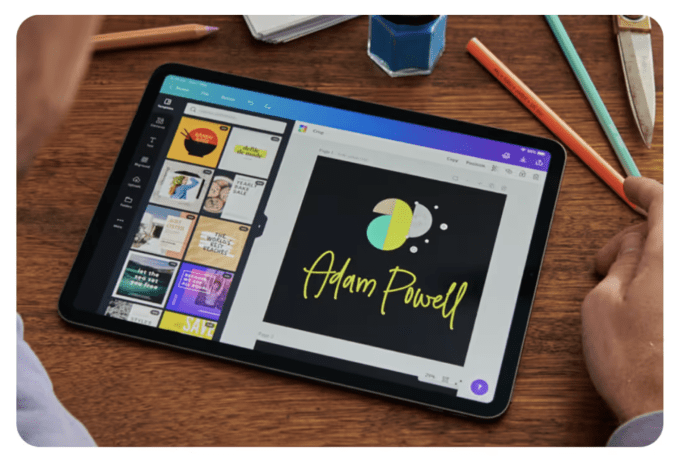
Canva democratizes graphic design with over 250,000 templates for everything from social media posts to full presentations. Its AI-driven tools, such as “Magic Switch” and “Magic Media,” significantly accelerate the workflow. While free to use, the platform offers a $12.99 monthly subscription for premium assets and advanced AI features.
Affinity Designer 2: Precision Vector Design
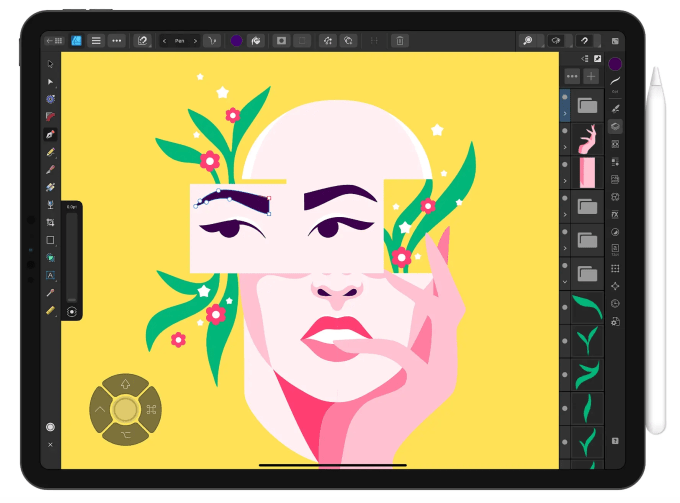
Affinity Designer 2 is a powerhouse for professionals, blending vector and pixel-based design in one interface. It is perfect for branding, UI/UX design, and complex illustrations. It leverages the Apple Pencil’s pressure and tilt sensitivity, offering zoom capabilities of up to 1,000,000% for absolute precision. It is priced at $18.49.
Concepts: Flexible Sketching
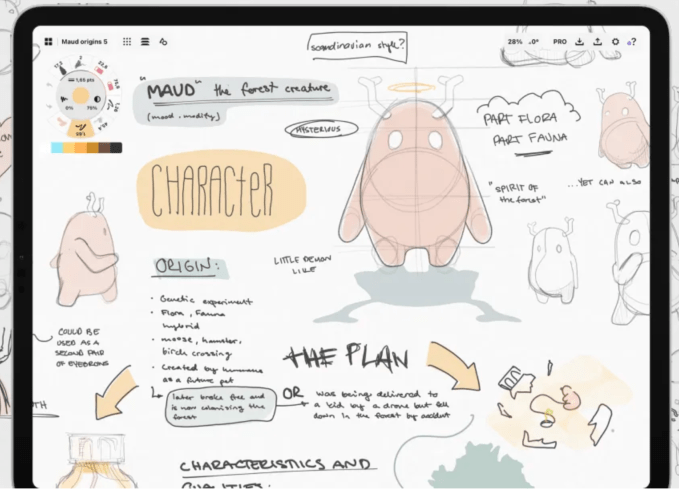
Concepts is built for iteration. With unique tools like Nudge, Slice, and Select, you can modify any element of a sketch without needing to redraw it. It includes scale and measurement tools, making it ideal for architectural plans and mindmaps. The app is free, with a $4.99 monthly subscription for advanced brushes and export tools.
Tayasui Sketches: Minimalist Artistic Freedom
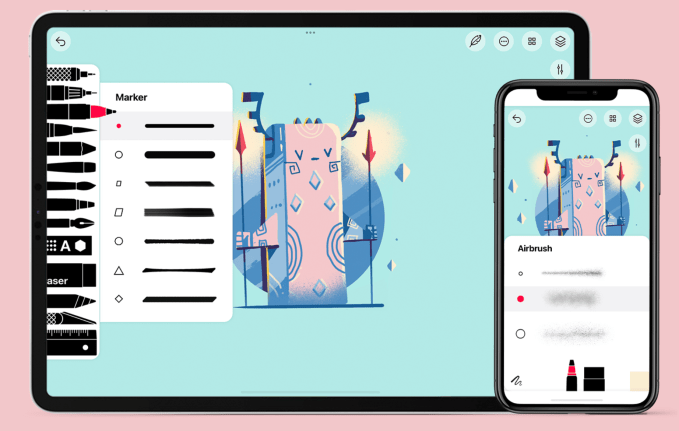
Tayasui Sketches provides a user-friendly environment with realistic watercolor and acrylic brushes. Its “Zen Mode” removes interface distractions, allowing for pure focus. For $2.99 a month, users unlock unlimited layers and an extended brush editor.
Dudel Draw: Daily Creative Challenges
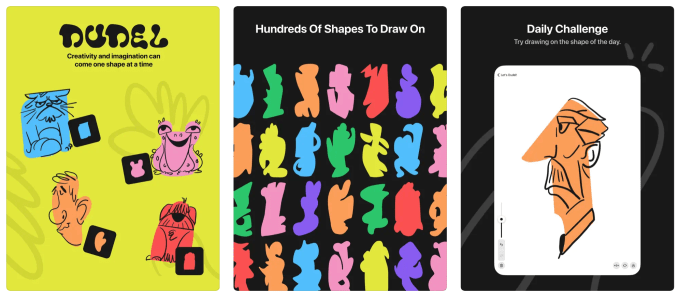
Dudel Draw helps overcome “blank page syndrome” by providing a new starting shape every day. It encourages daily practice and allows for friendly competition with friends. It is entirely free to use.
Sketchbook: Natural Drawing Experience
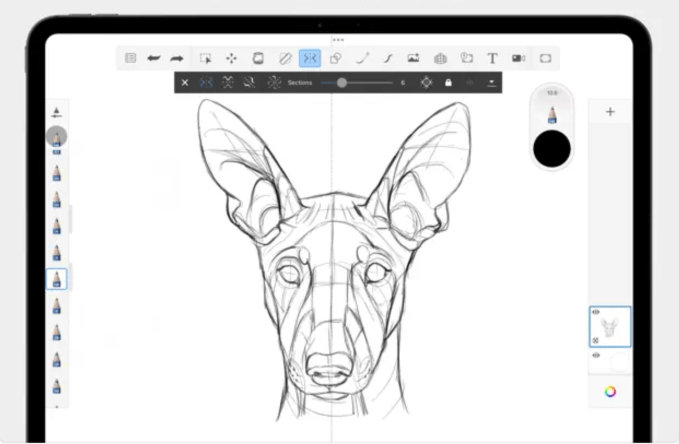
Sketchbook focuses on the feeling of drawing on paper. Its interface is designed to hide tools when not in use, keeping the focus on your art. The “predictive stroke” feature helps smooth out lines, and the app is free, with a $2.99 one-time payment to unlock premium features like PDF exports and custom brush imports.