
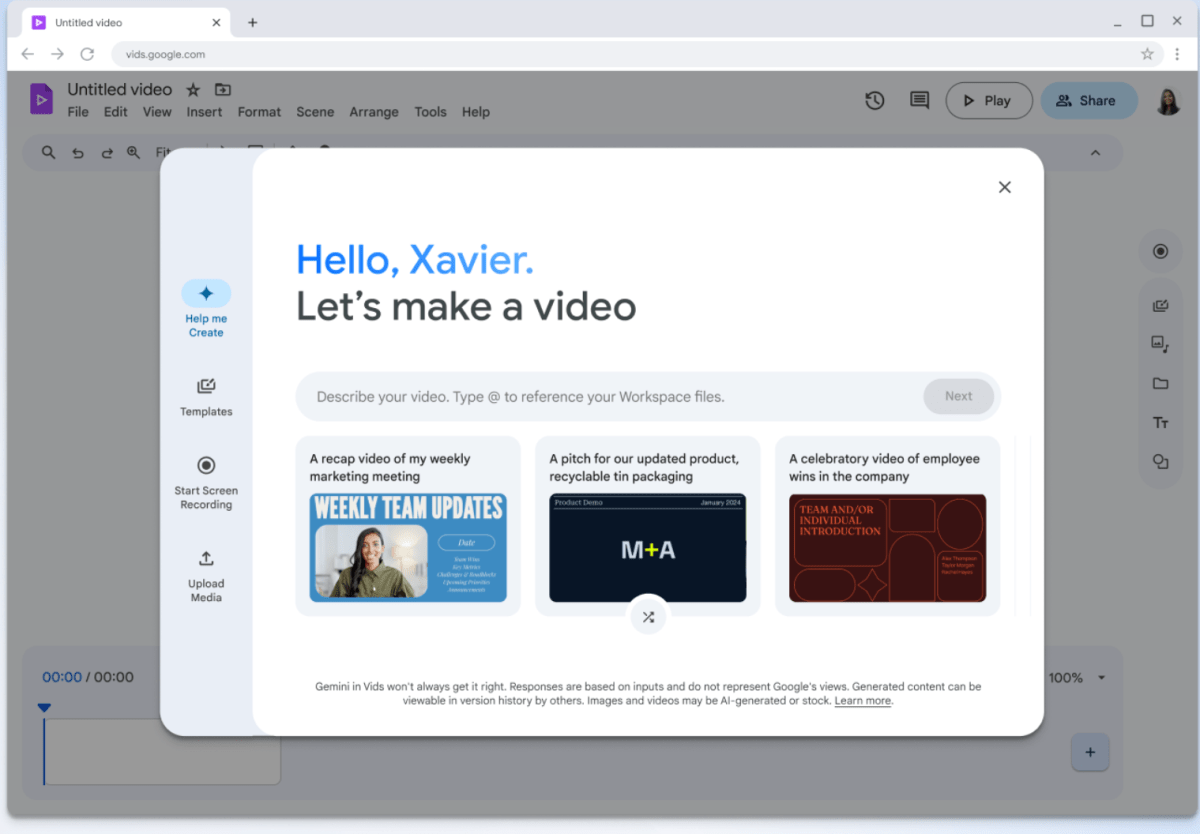
Google has officially streamlined its video editing workflow by introducing a dedicated shortcut for Google Vids directly within the Google Drive interface. Announced this Friday, the update allows Workspace users to transition from previewing media to editing via the company’s AI-powered production tool with a single click.
Seamless Integration for Workspace Users
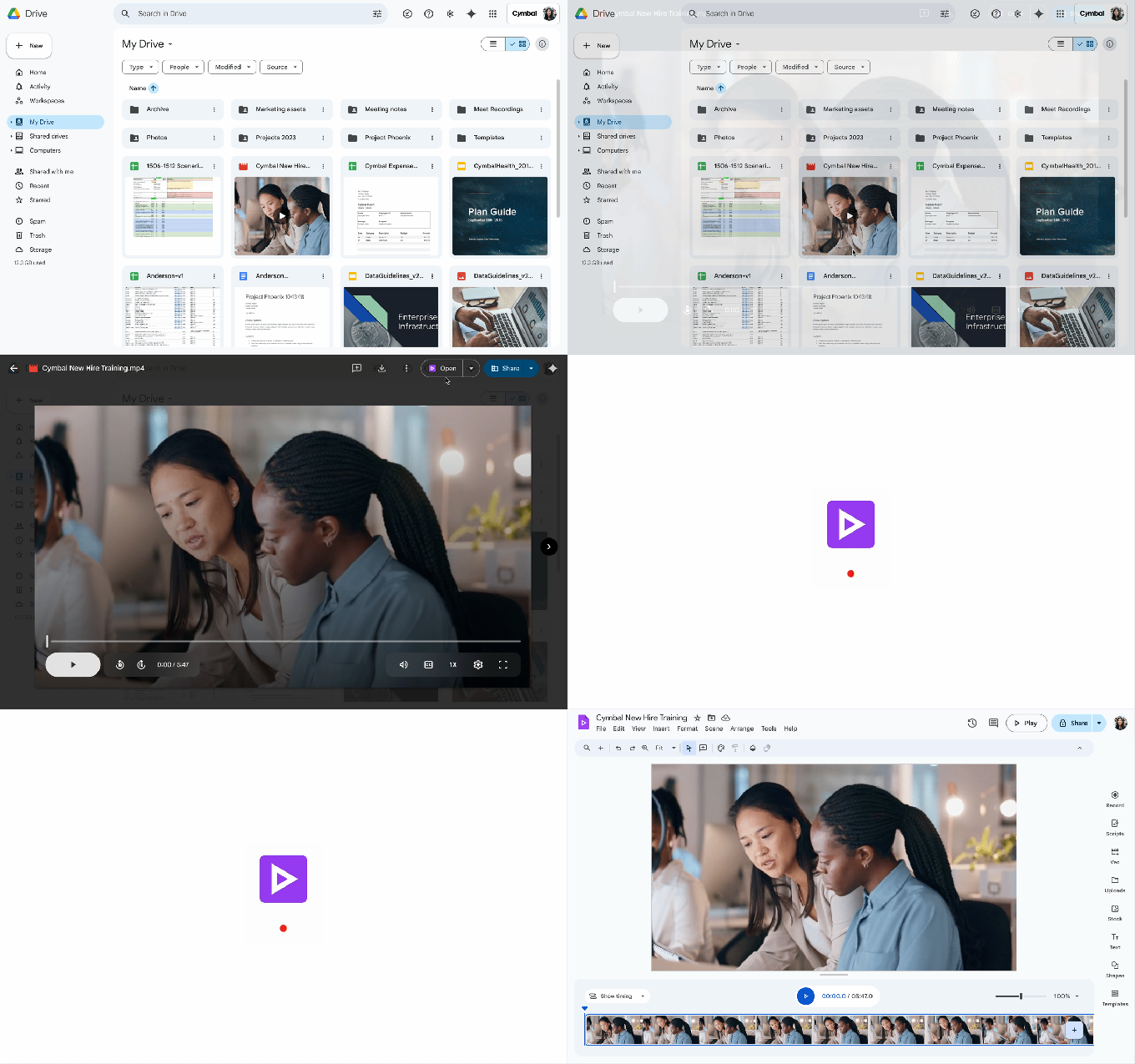
The new feature simplifies the creative process by eliminating redundant file-handling steps. When users preview a video file within Google Drive, an “Open” button now appears in the top right corner of the interface. Selecting this option triggers an immediate launch of the Vids app, loading the specific video file and enabling instant access to editing tools, including clip trimming, text overlays, and audio integration.
Deepening the Vids Ecosystem
This shortcut, which is enabled by default for all Workspace users, signals Google’s ongoing commitment to weaving Vids into the core of its productivity suite. Since its debut last year, Vids has evolved into a comprehensive solution for professional video production. Key features of the platform include:
- AI-driven video generation from text prompts.
- Automated script creation.
- Advanced clip rearrangement and transition management.
Building on Gemini AI Capabilities
The integration of Vids follows a steady rollout of AI-assisted tools within Google’s cloud storage ecosystem. This update closely follows the May release of a Gemini AI feature, which empowered users to generate concise summaries of long-form video files directly within Drive. By combining summary capabilities with rapid access to the Vids editor, Google is positioning Drive as a centralized hub for both video management and content creation.
For more details on the deployment of this tool, refer to the official Google Workspace update notes.