
Google has officially launched its global rollout of Gemini for Android Auto, marking a significant shift in in-car artificial intelligence. Replacing the legacy Google Assistant, the integration is now available to users worldwide in 45 languages, provided they have already migrated from Assistant to the Gemini app on their Android smartphones.
Conversational AI Behind the Wheel
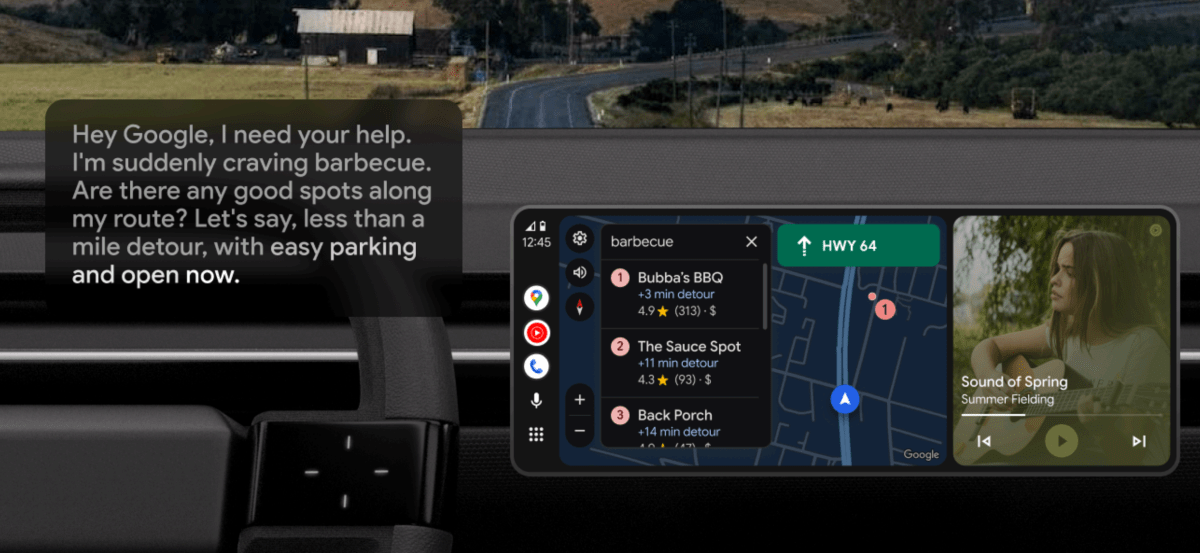
The transition to Gemini is designed to facilitate more natural, back-and-forth interactions while driving. Unlike the rigid command structure of previous iterations, Gemini allows for complex, context-aware queries. Drivers can now ask for specific recommendations along a route—such as finding open barbecue restaurants near a destination—and receive detailed information, including popular menu items or pet-friendly policies.
Advanced Messaging and Email Integration
Productivity on the go receives a major upgrade through Gemini’s deeper integration with messaging and email services. Beyond simple text-to-speech, users can:
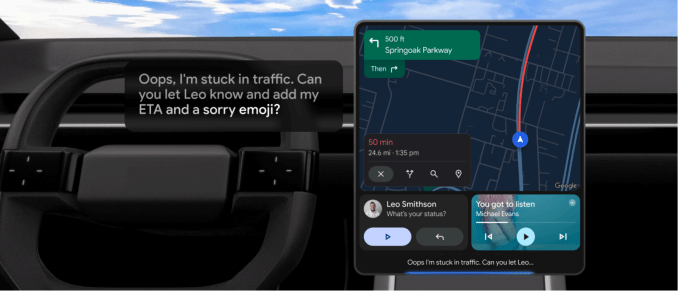
- Draft and send messages with contextual updates, such as automatically attaching an ETA to a traffic alert.
- Translate incoming messages into different languages in real time.
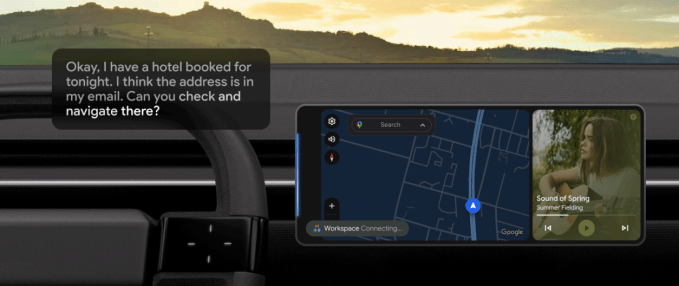
- Query their Gmail inbox to extract specific details, such as hotel addresses or reservation times, and initiate navigation directly to those locations.
- Request summaries of unread emails without needing to glance at a screen.
Personalized Media and Live Interaction
Google is also leveraging Gemini to curate driving experiences. By issuing specific prompts—such as requesting an upbeat, three-hour road trip playlist suitable for children—users can interface seamlessly with streaming platforms like Spotify and YouTube Music. Furthermore, the “Live” feature allows for fluid, conversational brainstorming sessions, effectively turning the vehicle into an interactive information hub where drivers can ask for travel facts or gift ideas while en route.
How to Access Gemini in Your Car
To begin using Gemini on your vehicle’s display, ensure the Gemini app is installed and active on your connected Android device. Once the update is live for your account, a tooltip will appear on your car display. You can activate the assistant by saying “Hey, Google,” tapping the microphone icon on the car screen, or using the long-press voice control button on your steering wheel.