
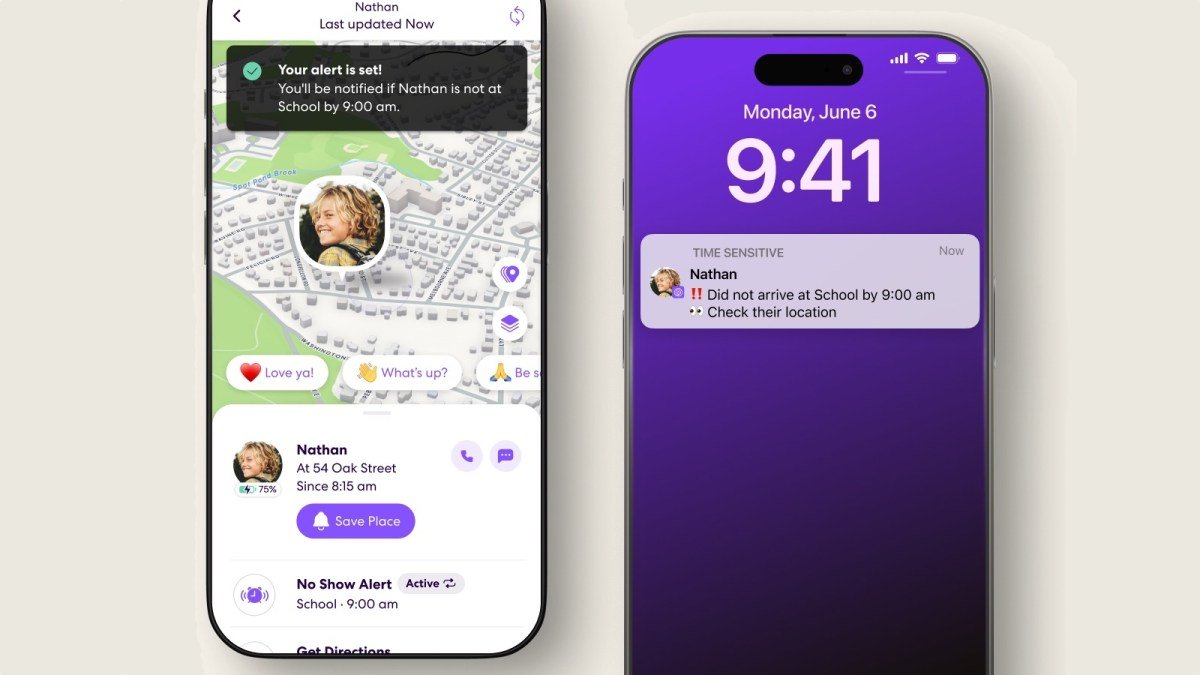
Life360 has officially rolled out a new “No-Show” notification feature, designed to alert users when a friend or family member fails to arrive at a designated location by a specific time. The update aims to reduce the need for constant manual location tracking and persistent “where are you?” text messages.
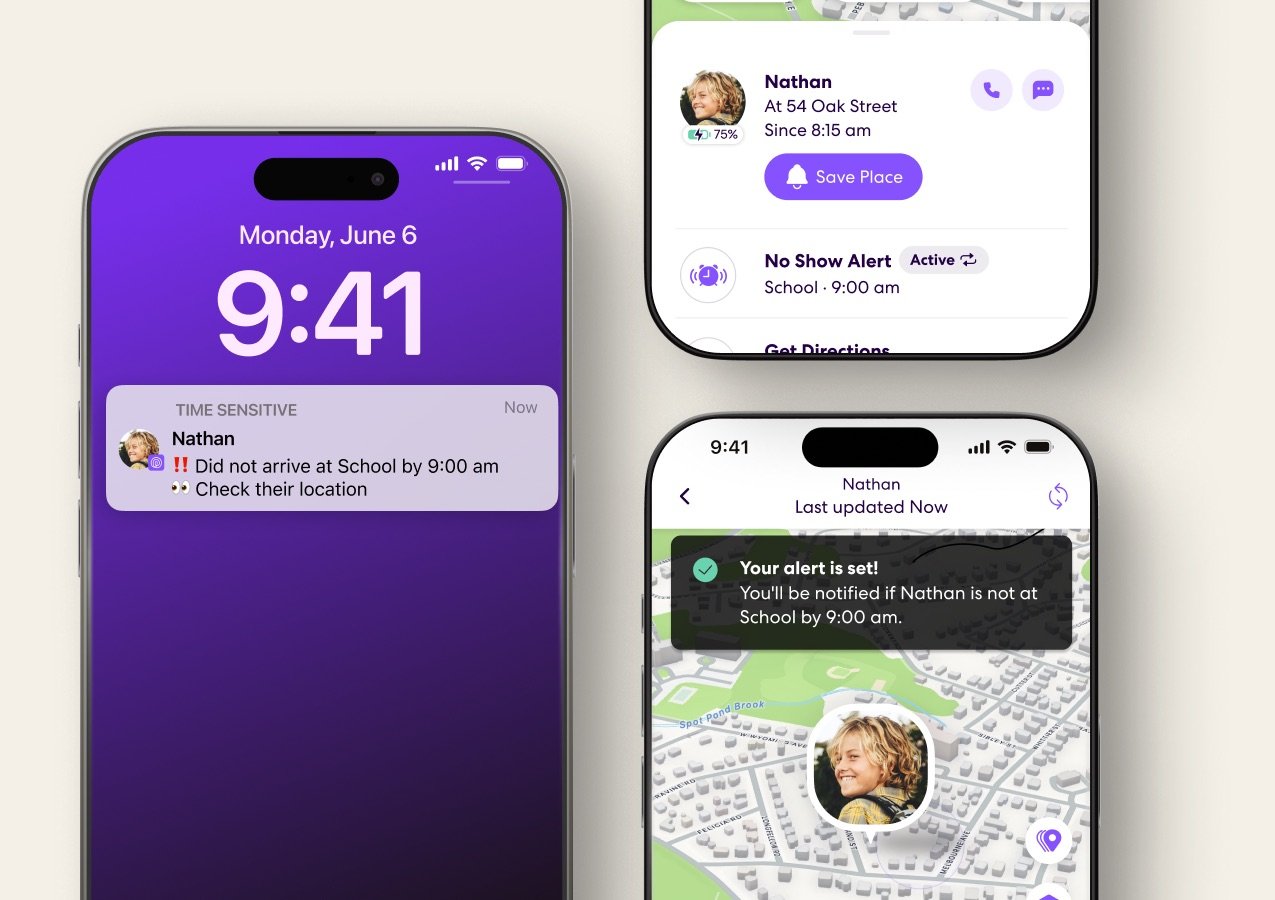
How to Set Up No-Show Alerts
The feature is accessible directly through the app interface. To activate it, users should navigate to the specific circle member’s profile, select the option labeled “Set a No Show Alert,” and define the destination and expected arrival time. The system allows for both one-time notifications and recurring alerts, which can be scheduled for specific days of the week via the “Repeat” function.
To prevent false alarms, the application incorporates a short grace period beyond the set arrival time before triggering the notification.
Strategic Timing for Back-to-School
The company timed the release to coincide with the back-to-school season, a period that historically sees a surge in app downloads. Mike Zeman, CMO at Life360, noted that family coordination is a primary pain point during this time of year.
“No Show Alerts were designed to give parents peace of mind and mitigate the need to constantly check in on their kids’ whereabouts,” Zeman stated. “It’s a tool to encourage trust in their families to get where they need to be, while still having a backup alert if they need to step in.”
Privacy and Availability
While the feature is marketed toward parent-child safety, it is available to any circle member with location sharing enabled. Life360 emphasized that users retain full control over their privacy, noting that location sharing can be disabled at any time by the individual.
The No-Show notification feature is available to all U.S. members starting today, with a global rollout for international users scheduled for the coming weeks.