
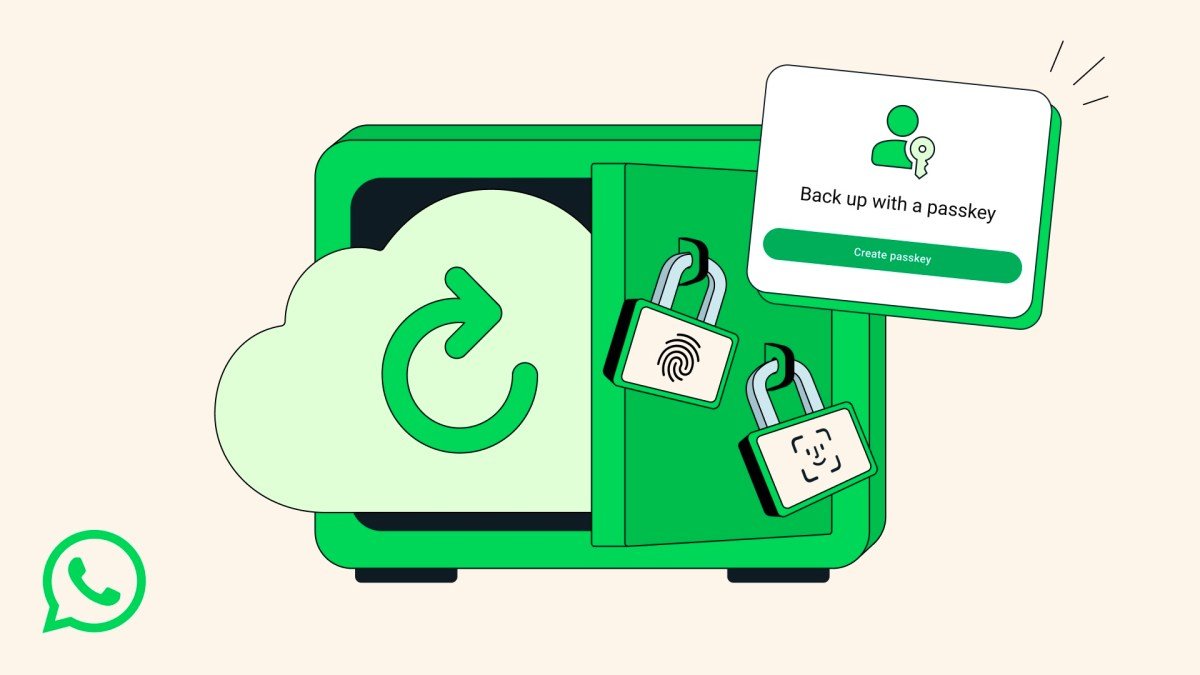
Seamless Backup Access via Passkeys
WhatsApp is officially upgrading its security infrastructure by introducing passkey support for end-to-end encrypted backups. This new feature allows users to regain access to their chat history using biometric authentication—such as fingerprint scans or facial recognition—or their device’s screen lock code, effectively eliminating the need for complex passwords when recovering data on a new device.
Evolving Beyond Manual Encryption Keys
For years, WhatsApp chat backups lacked an encryption layer, leaving user data vulnerable. While Meta introduced end-to-end encryption in 2021, the implementation relied on either manual passwords or cumbersome 64-character encryption keys. These traditional methods created a significant barrier to entry, as losing a password or misplacing a long-form key often resulted in permanent data loss during the restoration process.
Simplified Security for 3 Billion Users
The transition to passkeys addresses the primary pain point of manual recovery by leveraging the security already built into a user’s smartphone. As WhatsApp continues to scale—having surpassed 3 billion active users as of May—streamlining account recovery has become a priority to maintain both security and user retention.
The feature is currently in the process of a global rollout. Meta confirmed that the update will reach all users over the coming weeks and months. Users are encouraged to monitor their app for the update to ensure their data remains protected.
How to Enable Encrypted Backups
To verify if the passkey feature is available on your account and to secure your data, follow these steps:
- Open Settings in WhatsApp.
- Navigate to Chats.
- Select Chat backup.
- Tap on End-to-end encrypted backup to enable the feature and check for passkey integration.