
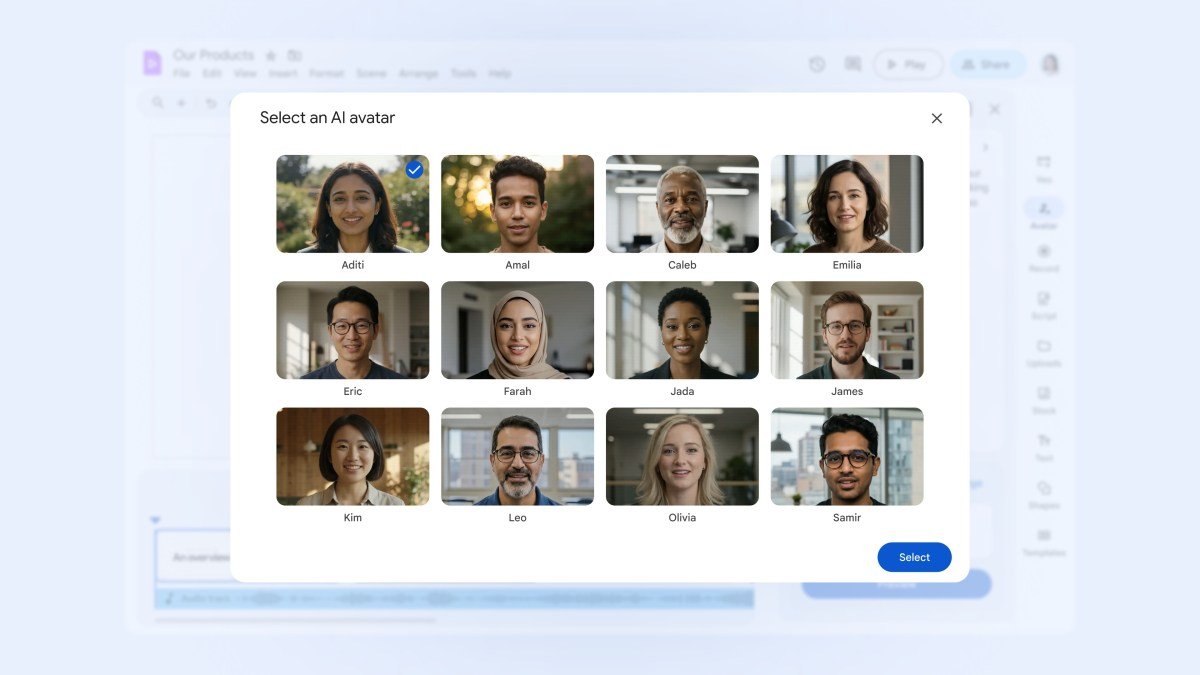
Google has expanded the capabilities of its Vids video editor, introducing AI-powered avatars, automated transcript trimming, and advanced image-to-video tools. Alongside these professional updates, the company is launching a free-to-use version of the platform for consumers, marking a significant shift in the accessibility of its Workspace productivity suite.
AI Avatars and Advanced Editing Tools
The integration of AI avatars directly into Google Vids positions the platform as a direct competitor to specialized startups like Synthesia and D-ID. Designed primarily for training and educational content, the feature allows users to input a script and select from a diverse range of personas and voices to generate professional-grade videos without the need for traditional production budgets.
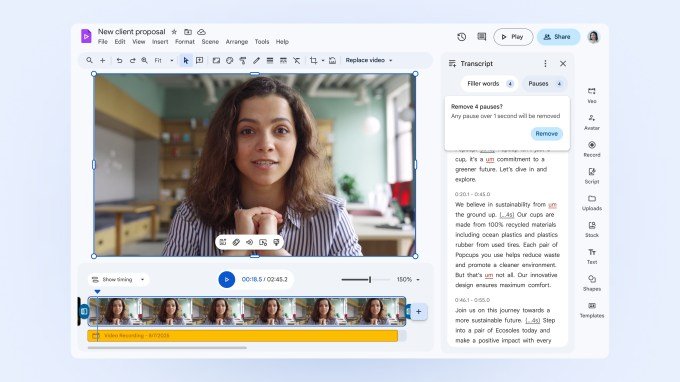
Complementing the avatars, Google has introduced an intelligent transcript trimming tool. The editor automatically flags filler words—such as “um” and “ah”—as well as awkward pauses. Users can remove these segments with a single click, allowing the software to seamlessly adjust the video timeline for a cleaner final output.
Generative Video and Expanded Features
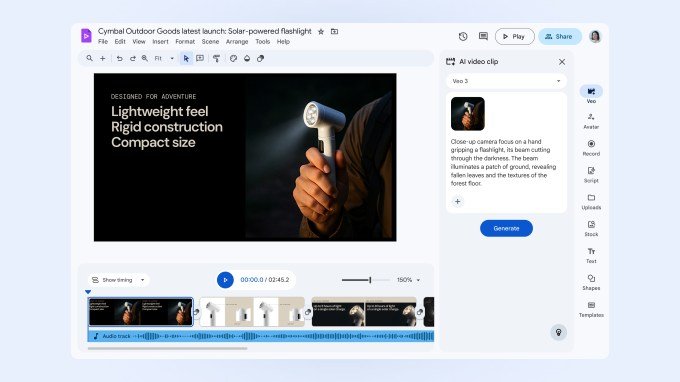
Google is also integrating its Veo 3 model into the Vids ecosystem, enabling users to generate eight-second video clips directly from text or static images. This update follows the initial July launch of the image-to-video generation capability.
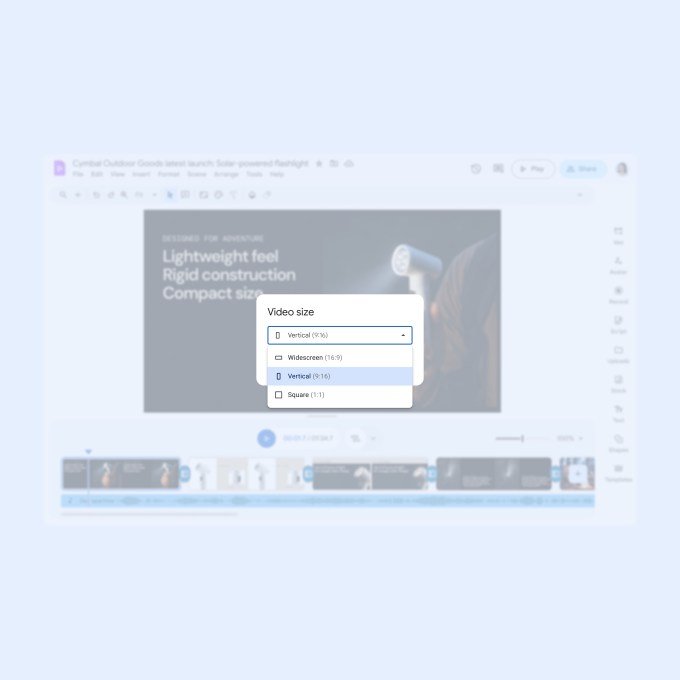
Looking ahead, Google confirmed that it is actively developing further enhancements, including noise cancellation technology, virtual backgrounds similar to those found in Google Meet, and support for multiple aspect ratios, such as portrait, landscape, and square formats.
Consumer Accessibility vs. Enterprise Power
While the new AI-driven features are restricted to Workspace Business, Enterprise Starter, Education customers, and Google AI Pro or Ultra subscribers, the broader release includes a free consumer version. This version provides users with essential editing controls, access to the Google template library, fonts, and stock media, though it does not currently include the advanced AI-powered tools.